
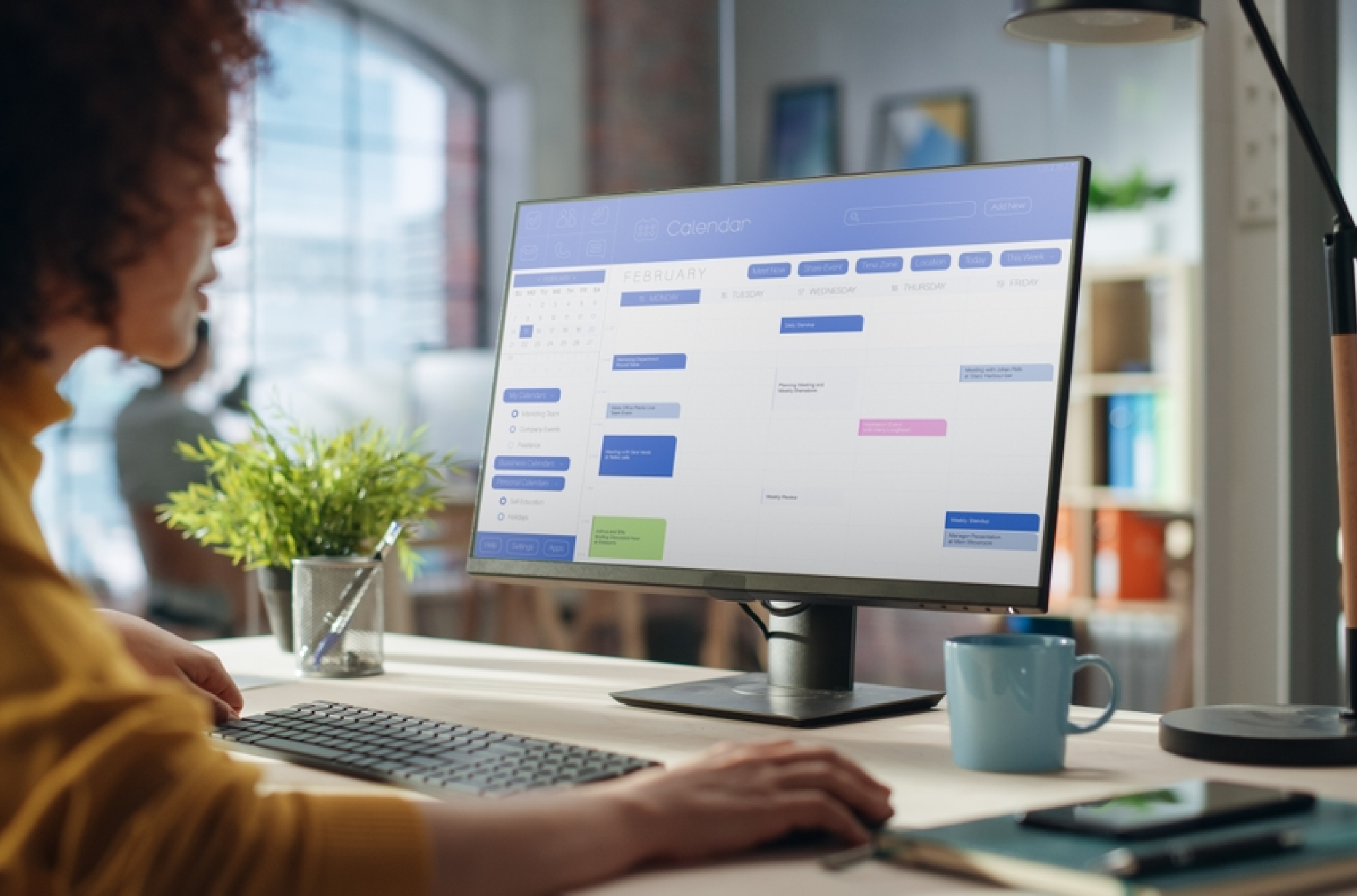
A few years ago, the idea of using artificial intelligence for employee scheduling might have sparked resistance or skepticism.
Would it replace human managers?
Would the algorithms be fair?
Could we trust a machine to make people-centered decisions?
Fast-forward to today: AI is widely adopted in workforce planning as a strategic necessity. Luck and gut instinct don’t keep your workforce running smoothly. The right software does, especially when it comes to employee scheduling.
For growing organizations in healthcare, retail, hospitality, education, and beyond, scheduling is a daily battle. As operations scale and the stakes of non-compliance rise, the margin for error shrinks. Manual tools and traditional templates simply can’t keep up anymore, but AI-driven scheduling software can.
In this guide, you’ll learn how AI employee scheduling works, how AI and predictive analytics makes workforce planning smarter, and why shifting to an automated approach is about way more than a tech upgrade.
What is AI employee scheduling?
AI (artificial intelligence) employee scheduling refers to the use of machine learning, predictive modeling, and intelligent algorithms to generate work schedules that meet organizational needs while respecting employee preferences, labor laws, and cost controls., and cost controls.
It’s a powerful evolution of traditional workforce scheduling that eliminates guesswork and inefficiency. Unlike rule-based or template-driven systems, AI-driven employee scheduling software references historical data, real-time inputs, and shifting variables to suggest the most efficient and fair schedule possible.
From automated schedules to AI scheduling
Rule-based automated scheduling can follow if/then logic: “If an employee is available Monday and has under 40 hours, assign them to the shift.”
AI, by contrast, skips the script. It studies patterns in absentee trends, shift swaps, employee performance, and demand, then uses what it learns to fine-tune future scheduling decisions.
How AI builds smarter schedules
AI employee scheduling generators pull from multiple sources:
- Past schedules
- Time-off requests
- Employee availability
- Certifications
- Compliance rules
- Demand forecasts
From there, AI-generated scheduling builds a draft schedule that adapts automatically as conditions change.
Real-time learning and adaptation via AI
Modern AI scheduling tools don’t just stop at the schedule. They continuously learn from employee behavior, engagement, and shift performance.
For example, if a specific staff member frequently swaps out of Thursday night shifts, the system will adapt future suggestions accordingly, removing friction and improving
The rise of predictive analytics and automation in scheduling
Over the last decade, workforce management software has evolved beyond digital calendars and shift templates. The introduction of AI and predictive analytics and automation has taken scheduling from a reactive firefight to proactive planning strategy.
These changes don’t just look better on paper. They’re foundational for operating with greater accuracy, agility, and fairness.
A decade of innovation in workforce scheduling
Automated employee scheduling platforms began as digital replacements for paper charts and Excel sheets. Today, they build responsive, optimized schedules at scale using real-time data. Over 50% of high-performing organizations today use advanced workforce analytics to guide staffing decisions.
Why AI and predictive analytics matters
Predictive analytics allow organizations to forecast labor needs based on your data — seasonal foot traffic, appointment bookings, ticket sales, delivery schedules, and historical demand. This is especially valuable in sectors like retail and healthcare, where under- or overstaffing directly impacts customer outcomes.
Automation vs. AI vs. predictive analytics
It’s important to distinguish that each capability offers a unique benefit to your organization, and the strongest scheduling solutions combine all three:
| Capability | What it does |
| Automation | Follows fixed if/then rules to fill shifts |
| Prediction | Forecasts demand from historical and real-time data |
| AI | Learns from outcomes and improves scheduling over time |
Benefits of AI-driven employee scheduling software
You might look into AI-driven employee scheduling software to save time. But the impact goes far beyond that: cost savings, legal protection, higher retention, and operational clarity.
Here are a few core benefits you will see after switching to smart scheduling software.
Faster scheduling cycles
AI scheduling tools cut down hours of admin work by automating shift creation, availability matching, and schedule distribution. Instead of grinding through building schedules from scratch every week or manually editing templates, managers simply review and approve suggestions.
Lowered compliance risk
Labor law compliance, including union rules, and internal policies are baked into the system. Whether it’s predictive scheduling laws, mandatory rest periods between shifts, or maximum weekly hours, AI automatically keeps your scheduling within the rules.
Reduced labor costs
AI-powered scheduling can check schedules against configured labor rules, flagging issues with rest periods, overtime, or predictive scheduling requirements before you publish.
Greater employee satisfaction
AI considers employee preferences, like availability, shift swaps, or time-off and PTO requests, and balances them with business needs. This creates fairer schedules, reduces last-minute changes, and gives workers more control over their time, enhancing overall work-life balance.
More accurate forecasts
With predictive models, AI scheduling tools help you plan for demand fluctuations. Whether that means adjusting to a flu season, a holiday surge, or construction delays, you have a software that puts you ahead of changes.
Fewer burnout risks
AI scheduling tools can flag fatigue risk before it becomes a problem: back-to-back closing and opening shifts, stretches with no rest day, or the same employee repeatedly covering last-minute shifts. Catching these patterns early helps protect your team’s well-being and cuts down on turnover from chronic overwork.
How AI employee scheduling works for key industries
While every business can benefit from more innovative scheduling, the impact is especially clear in industries with high staffing complexity, compliance risks, and labor volatility.
Here’s how AI employee scheduling transforms workforce management across retail, hospitality, healthcare, education, and other key sectors:
Retail
In retail, labor demand shifts by hour, day, and season. Using historical sales, foot traffic, and weather data, AI scheduling retail tools forecast peak hours, promotional rushes, and regional trends. That makes assigning the correct number of associates to each shift easier.
AI also:
- Supports part-time, seasonal, and on-call scheduling
- Reduces the amount of scheduling errors
- Enables flexible shift swaps without overburdening managers
Hospitality (restaurants, hotels, events)
Hospitality lives and dies by real-time changes.
AI workforce optimization tools adjust staffing based on guest bookings, reservations, and live event data. For example, if a hotel sees a spike in check-ins due to a flight cancellation, the software can instantly prompt managers to add front desk coverage.
AI also balances front-of-house and back-of-house scheduling, keeping food service, housekeeping, and maintenance teams aligned without overstaffing or missed coverage.
Healthcare (hospitals, clinics, senior care)
For healthcare organizations, compliance and continuity are non-negotiable.
AI healthcare staff scheduling software verifies the right mix of certifications, specialties, and hours. It also prioritizes staff preferences where possible, improving staff well-being by helping prevent burnout.
Float pools, per diem staff, and call-ins are easier to manage when the system understands real-time coverage needs and legal boundaries.
Education (K–12, higher education)
Academic scheduling requires juggling adjunct faculty, part-time workers, student assistants, and support staff.
AI scheduling software for K-12 districts and higher-ed institutions:
- Coordinate classes, labs, office hours, and custodial coverage
- Work within union agreements and budgets.
- Adapt to changing enrollments, holidays, and seasonal trends
All of which manual tools rarely do well.
Other sectors (public safety, manufacturing, field service)
These industries operate on tight timelines and scheduling has to match. Not doing comes with huge risks to safety and efficiency.
From shift-based patrols to real-time field deployment, AI gives managers the power to respond fast and plan ahead:
- Public safety teams match patrols or dispatch crews to incident patterns.
- Manufacturing facilities align labor with machine uptime, production goals, and shift cycles.
- Field service operations build optimized, route-based schedules across large territories.
AI shift scheduling improves performance in these time-sensitive, high-complexity fields while reducing planning burdens.
How to choose the right AI scheduling tool for your organization
If you’ve made it this far, you might be thinking, “This sounds great. But which solution will actually work for my team and the way we operate without slowing down operations?”
The move beyond spreadsheets and static templates comes with plenty of decision uncertainty, because not all solutions are created equal.
Here’s how to make a smart selection for an AI scheduling tool the first time:
Step 1: Know your regulatory landscape
Every industry has its legal and compliance standards, from predictive scheduling laws in retail and hospitality to certification tracking in healthcare. Look for built-in compliance logic that updates as regulations evolve, real-time flagging for scheduling violations, and a way to document compliance for audits.
If you’re in a regulated sector, where scheduling mistakes can lead to fines, lawsuits, or accreditation issues, this is even more important.
Your AI scheduling tool should serve as both a scheduler and a compliance assistant, automatically applying local labor laws, union agreements, and internal policies without manual intervention.
Step 2: Look for strong integrations
AI scheduling tools don’t work in isolation. To get the most value, your software should connect cleanly with your HR, payroll, and time tracking tools.
Integrations eliminate redundant data entry, reduce errors, and confirm that scheduling decisions align with payroll calculations, PTO balances, and employee records.
Here’s how it works in real life:
- An employee’s PTO request is submitted
- AI approves it based on real-time availability
- The schedule automatically reflects the change
No manager cross-checking or intervention needed. Integration also brings reporting and analytics that span the entire employee lifecycle, giving leadership a clearer view of workforce performance and cost drivers.
Step 3: Prioritize transparency
One of the biggest concerns with AI tools is decision-making transparency.
If your scheduling software makes assignments without showing its logic, you risk damaging trust with employees and managers alike.
Look for tools that:
- Offer clear rationales for scheduling decisions
- Highlight rule conflicts
- Allow for human overrides
- Ask for your approval before locking in major changes
This builds accountability and keeps you in control. Transparent AI software also explains the “why” behind employee schedules: why preferred shifts weren’t granted, why skill level or availability played a role, and so on.
The strongest tools treat AI as a recommendation engine, not an autopilot. It proposes a schedule, and a manager still signs off before anything goes live.
This clarity reduces complaints, improves adoption, and supports a healthier scheduling culture.
Step 4: Don’t forget mobile access
Your workforce isn’t tied to a desk, and your scheduling software shouldn’t be either.
Mobile scheduling apps let employees check schedules, submit time-off requests, and swap shifts on the go. For managers, this means adjusting schedules without waiting for desktop access.
This matters most in hospitality, retail, and healthcare, where frontline staff make up the majority of the workforce, so mobile-first tools are no longer optional. Mobile access lets schedules flex with daily realities, cuts down on miscommunication, and helps managers lead proactively, even on the move.
Step 5: Track results after you switch
Buying the software is the easy part. Once it’s live, watch a handful of numbers to confirm it’s paying off: fewer last-minute schedule changes, lower unplanned overtime, faster time to build a schedule, and how often employees accept the shifts AI recommends. If those numbers aren’t moving after a full scheduling cycle or two, it’s worth revisiting your setup before assuming the software isn’t working.
Frequently asked questions about AI employee scheduling
How does AI employee scheduling handle last-minute call-outs?
The software scans availability, skills, and labor rules, then suggests the best-fit replacement and sends the request automatically. Managers get an alert and a shortlist instead of a phone tree, and the shift usually gets filled without anyone leaving their desk.
Does AI replace managers in scheduling decisions?
No. AI builds the first draft and flags problems, but a manager still reviews and approves the schedule before it goes live. Treat it as a fast, well-informed assistant, not a replacement for judgment.
How much does AI employee scheduling software cost?
Pricing usually runs per employee per month, ranging from a few dollars for basic tools to considerably more for solutions that bundle payroll, compliance, and analytics. Get a quote based on your headcount and the features you actually need.
Is AI employee scheduling worth it for a small team?
It can be, especially once you’re juggling more than a handful of employees, shift patterns, or locations. Smaller organizations often start with core scheduling and compliance features, then add forecasting or payroll integrations as they grow.
Future-proof your workforce with AI employee scheduling
Scheduling is too important to your organization and too complex to rely on outdated tools. AI employee scheduling software gives you the control, speed, and visibility to plan ahead with confidence and easily adjust when things change.
Want to lower your labor costs? Improve compliance? Create fewer headaches in your operations? AI-powered scheduling is already delivering these results across a wide range of industries.
If you think you and your teams deserve better, it’s because you do. Now is the time to take the next step. TCP’s Humanity Schedule features an AI-powered Demand Scheduler to help organizations like yours stay ahead with demand forecasting, spend less time on scheduling, and get just-right coverage every shift.
AI scheduling isn’t another tech fad. It’s the new standard.
TCP Software’s employee scheduling, time, and attendance solutions are flexible and scalable to accommodate your organization and employees as you grow.
From TimeClock Plus, which automates even the most complex payroll calculations and leave management requests, to Humanity Schedule for dynamic employee scheduling that saves you time and money, we have everything you need to meet your organization’s needs, no matter how unique.
Plus, with Aladtec, we offer 24/7 public safety scheduling solutions for your hometown heroes.
Ready to learn how TCP Software takes the pain out of employee scheduling and time tracking? Speak with an expert today.
What to read next
Explore all resources




 Link copied!


