Solutions for managed services & support
Scheduling and time tracking software made for managed services and support
When a support tier goes uncovered or break-fix hours go unrecorded, margins shrink and SLAs are at risk. TCP helps you staff the right technicians and capture every billable hour with dynamic employee scheduling and comprehensive time and attendance for managed services and support.
Did you know?
Client expectations are shifting fast and most support teams can’t keep up
When coverage planning relies on manual processes, outdated tools, or disconnected systems, the gap between what clients expect and what your team can deliver widens. The result? Burned out staff and missed SLAs.
70% of execs say client expectations are outpacing their business
Want to learn more about workforce management for managed services?
Our guide breaks down the strategies to improve workforce management across managed services, including employee scheduling, time tracking, payroll, and labor cost control.

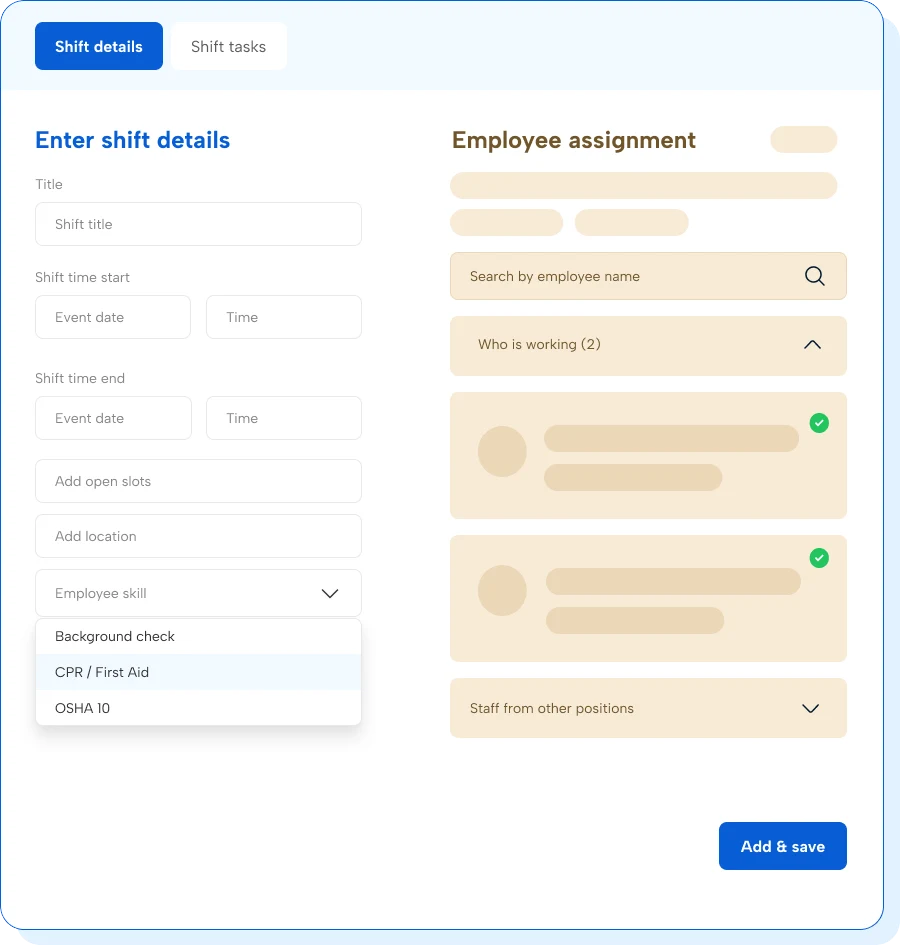
Staff the right person for every contract
Precise, qualified coverage protects your SLAs and stops avoidable overtime costs from cutting into fixed-fee contract margins. Dynamic scheduling with TCP helps managers plan compliant coverage with clear labor costs and fill shifts with confidence.
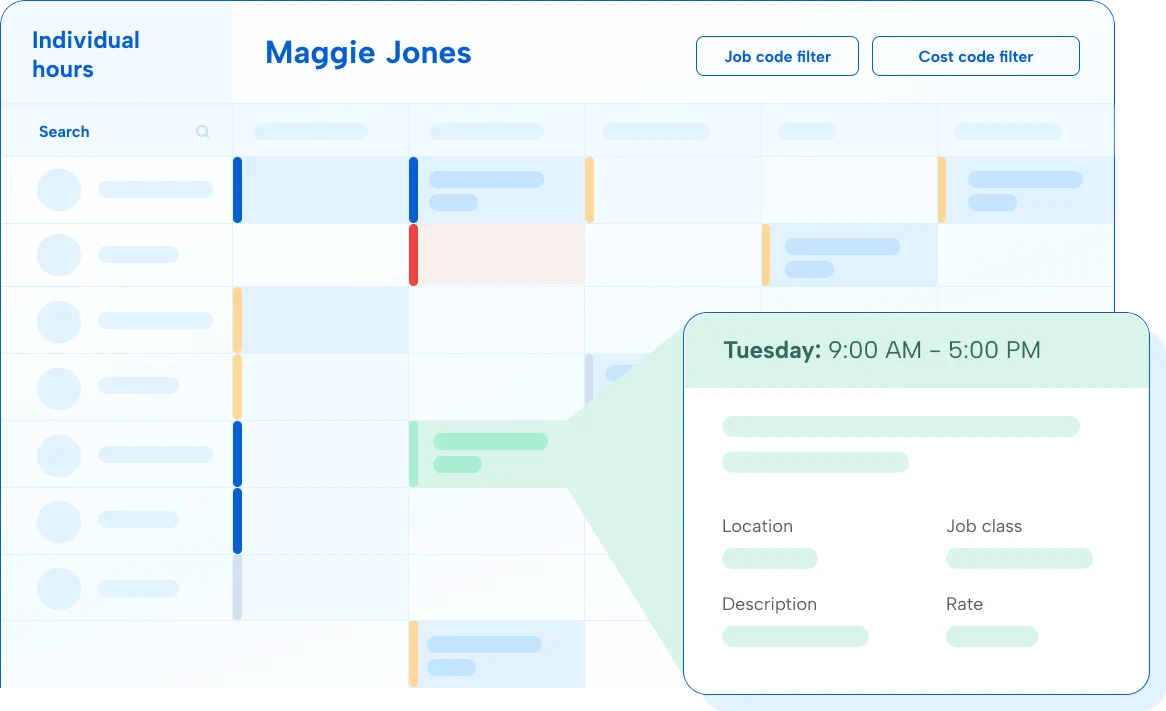
Map every hour to contracts and projects
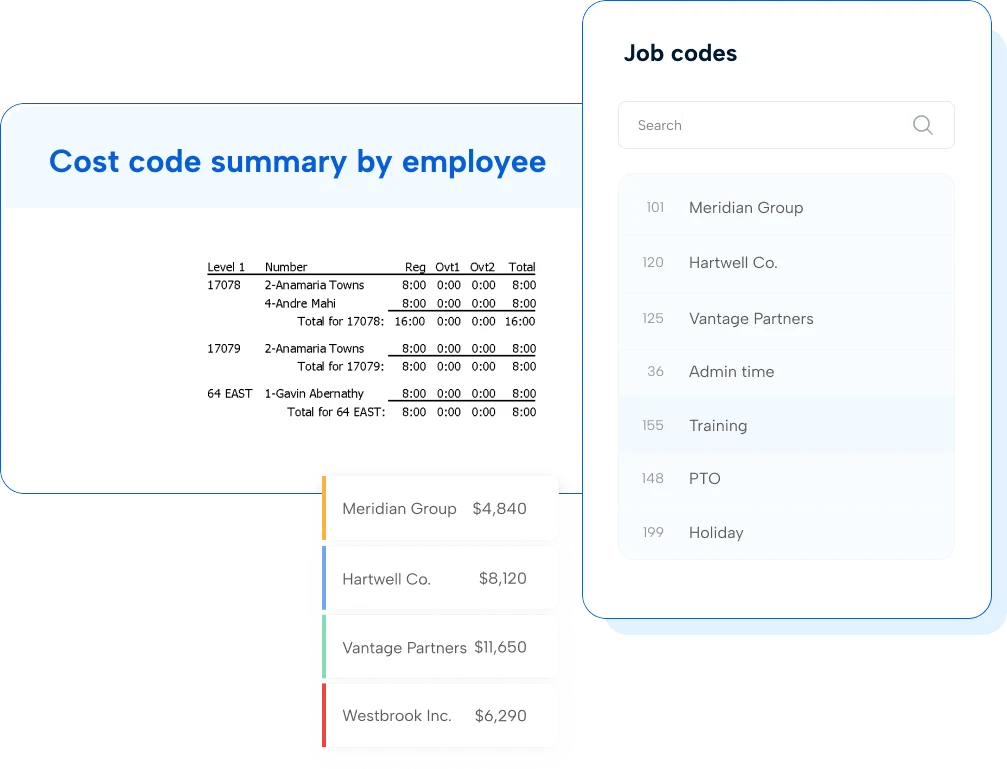
Techs move between retainer work, break-fix tickets, and out-of-scope projects in a single shift, making time tracking a little complicated. With TCP, accurately capture time entries and map them to the correct billing code to close the gap between hours worked and invoiced.
Ready to close the gap between hours worked and hours billed?
Don’t let billing gaps hurt your margins
TCP makes it easy to catch time entry issues before they hit payroll and impact your margins. Save admin time and get invoices out faster with automated time tracking, precise calculations, and exceptions management built for even the most complex pay rules.
Can TCP handle billing across multiple client contracts and billing codes?
Yes, TCP lets technicians map time to specific retainer, project, or break-fix billing codes at the point of clock-in/out. You can even prevent technicians from clocking into job codes they aren’t scheduled or assigned to. This helps separate hours by contract automatically, so managers and billing teams don’t have to sort through misallocated time entries at month-end.
We already track time in our IT ticketing system. How is time tracking software different?
Ticketing systems capture resolved issues, but they’re not built for payroll compliance, shift differentials, or separating retainer time from out-of-scope work. TCP helps managers schedule shifts by client, track worked hours against budgeted hours, and quickly backfill shifts with qualified best-fit replacements. This fills the gaps between planned, worked, and budgeted so every hour is correctly paid and invoiced.
Our team works remotely across multiple time zones. Does TCP support that?
Yes, TCP supports mobile and web clock-in from any location, including remote and virtual environments. Managers get real-time visibility into who’s on shift, which tier they’re covering, and whether time is logged to the correct client or billing code.
How does TCP help reduce SLA risk when a technician calls out?
When a shift opens unexpectedly, TCP can automatically notify available, qualified technicians to fill it, filtering by certification, tier eligibility, availability, and current overtime. AI backfill means fewer uncovered tiers, better control over labor costs, and less SLA exposure.
Can TCP track certification expiration dates for our technical staff?
Yes, TCP tracks certifications and expiration dates while embedding credential checks into scheduling. Managers can prevent unqualified staff from being assigned to shifts that require specific IT certifications or security clearances and reduce compliance risk with real-time scheduling conflicts alerts.
Featured resources
Explore all resources