Solutions for security services
Scheduling and time tracking for security services teams
Posts can’t go unmanned, your guards must be qualified, and invoices won’t hold up without proof. That’s where TCP comes in, with employee scheduling and time tracking solutions that help security teams fill coverage gaps fast, verify every shift, and protect fixed-rate margins.
Did you know?
One callout can turn a profitable post into a loss
Your business runs on fixed-rate contracts, so every coverage gap carries a cost. When a guard calls out and overtime is the only option, your margin doesn’t just shrink — it disappears. The faster you find the right replacement, the more of it you keep.
On a fixed-rate contract, a 1.5x overtime rate can turn a $7/hour margin into a $2/hour loss.
Want to learn more about workforce management for security service teams?
Our guide breaks down the strategies to improve workforce management across security services, including employee scheduling, time tracking, payroll, and labor cost control.

Act fast when coverage changes
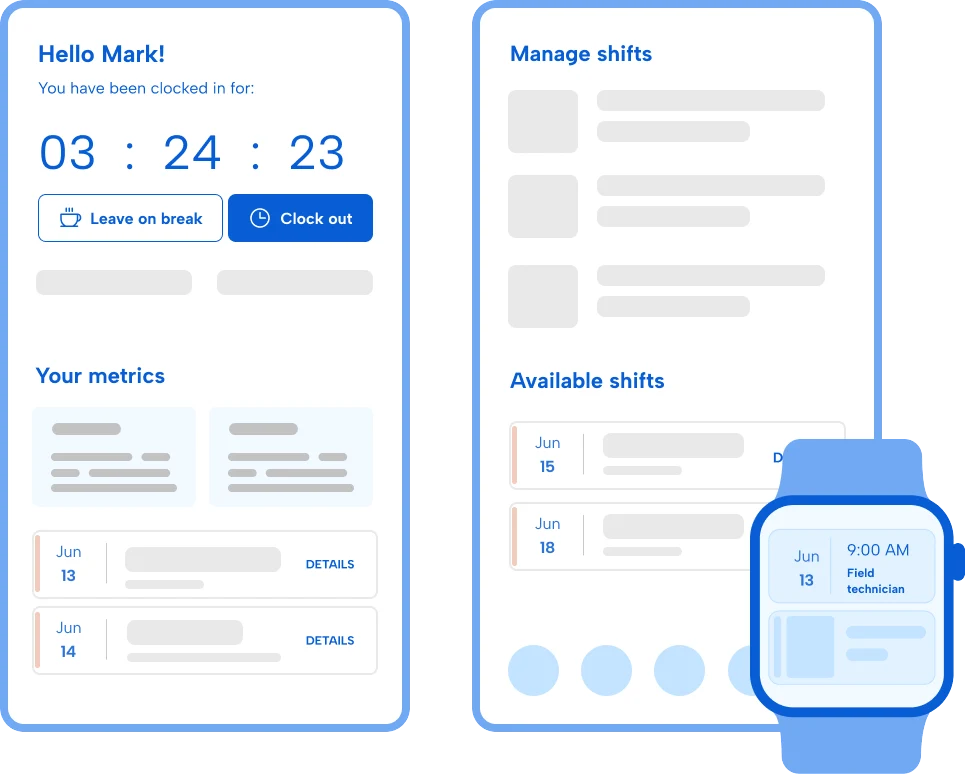
Callouts happen. When they do, a post can’t wait for coverage. TCP helps dispatchers find qualified, available replacements and communicate changes when staffing decisions don’t go as planned.
Capture verified time at each post
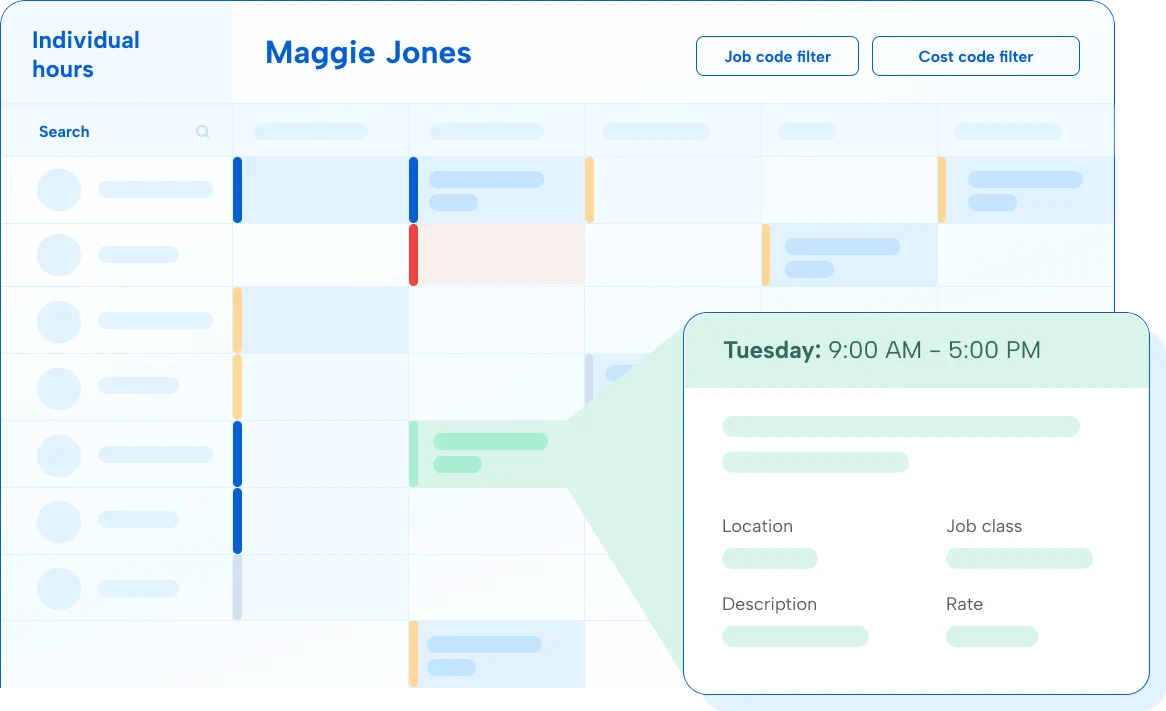
Clients require proof that guards were on site before approving invoices. Accurately capture location-validated time at every post with TCP so every shift is billable — no hardware required.
Ready for a better way to manage coverage, compliance, and billing?
More efficient back-office operations
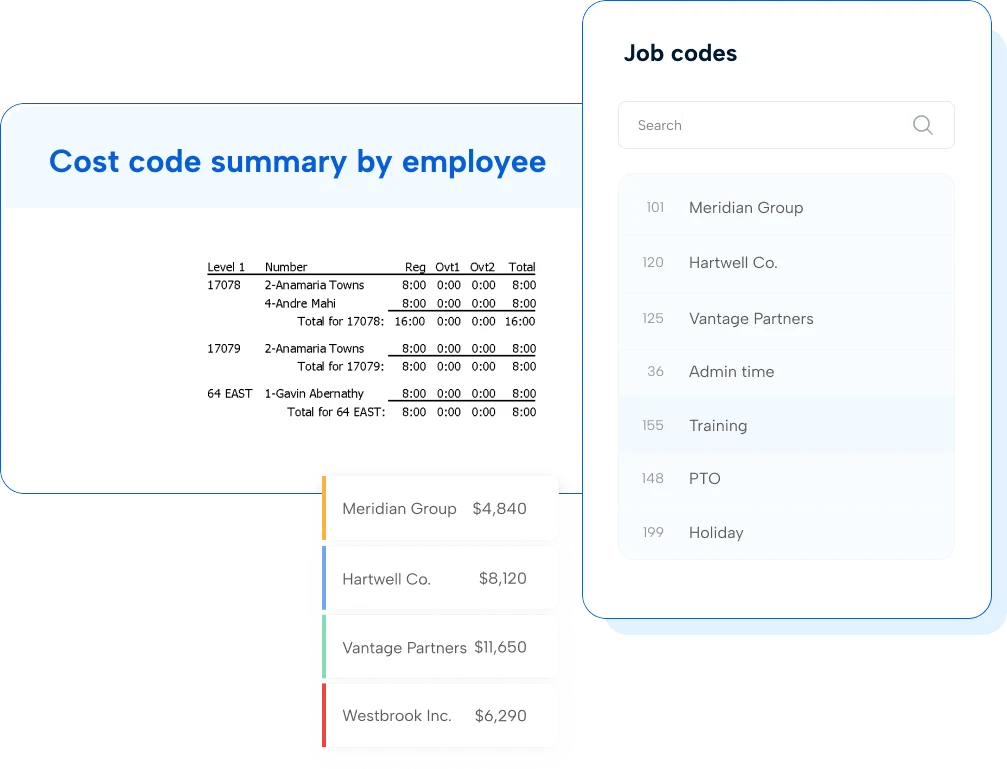
Security services teams navigate varying pay rates by post and shift type, union rules, and strict qualification requirements all at once (oof). TCP automates precise pay calculations, flags exceptions, and simplifies credential tracking so the not-so-fun admin work is a lot less tricky.
How does TCP help security teams fill posts faster when a guard calls out?
With Humanity Schedule, our employee scheduling solution, dispatchers can backfill posts quickly and notify available, qualified guards in real time. The system uses AI to score and filter replacement staff by credentials, availability, labor cost, and proximity then automates outreach to find the right guard to fill the post. The result: faster backfills, fewer unmanned posts, and less contract risk.
Our clients require proof that guards were physically on site. Can TCP provide that?
Yes. Geofencing and geolocation features confirm guards are on site with a verified timestamp and location record for every punch. That time data ties directly to the invoice so clients have the proof they need to approve it, reducing disputes and protecting your cash flow.
How does TCP prevent overtime from cutting into our fixed-rate contract margins?
TCP surfaces labor costs in real time at every stage — from when schedules are built to when guards are actively clocking in and out. Dispatchers can see when a guard is approaching overtime before assigning them to a post, and again as punch data updates mid-schedule. Overtime alerts and budget filters give operations teams what they need to act before the cost is locked in.
Can Humanity Schedule helps us prevent unlicensed guards from being dispatched to regulated posts?
Yes. Our dynamic employee scheduling software tracks active certifications and state licenses and embeds credential checks directly into scheduling. These built-in guardrails prevent unqualified guards from being assigned to or picking up posts that require specific credentials, reducing compliance risk and legal exposure.
Our guards work across different posts with different pay rates. Can TimeClock Plus handle that?
Yes, TimeClock Plus is built to handle even the most complex pay rates, rules, and calculations. Rate cards are configured at the post or client level, so the correct pay rate, shift differential, and overtime rules are automatically applied based on where a guard is assigned.
What does it take to get up and running?
Most security teams can import their guard roster, configure post requirements and pay rules, and build their first schedule in a matter of hours. The timeline depends on the complexity of your credential tracking and client rules. The TCP team is ready to support you whether you need quick answers or a full white-glove onboarding.
Featured resources
Explore all resources