Solutions for field & facility services
Employee scheduling and time tracking for field and facility services
When work happens across routes, job sites, and client locations, field and facility services schedules change fast and labor costs are hard to control. Keep crews staffed, verify worked hours, and protect your margins with scheduling and time tracking from TCP.
Did you know?
You’re losing billable time before the work even starts
Travel time, inefficient dispatch, and admin overhead eat away at your revenue. Without clear visibility into crews, coverage, and labor costs, small inefficiencies quickly (and quietly) reduce margins.
Up to 40% of field tech time is lost to travel and coordination gaps
Learn more about workforce management for field and facility services?
Our breaks down the strategies to improve workforce management across field and facility services, including employee scheduling, time tracking, payroll, and labor cost control.

Schedules built for crews on the move
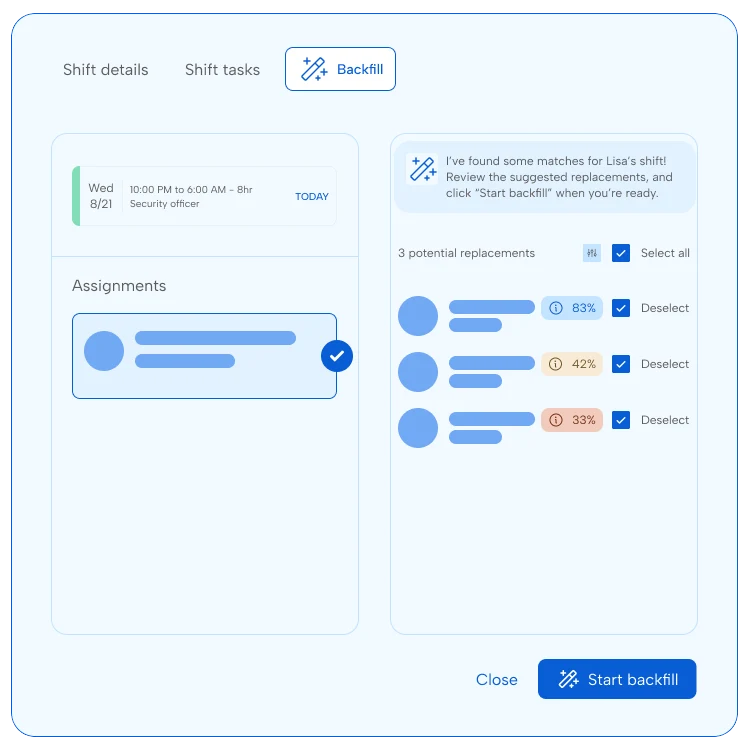
Route changes, callouts, and credential requirements make field scheduling tricky. With dynamic scheduling from TCP, managers build cost-aware schedules, fill gaps fast, and make sure only qualified technicians get assigned to the right jobs and sites.
Track time across every site, route, and job
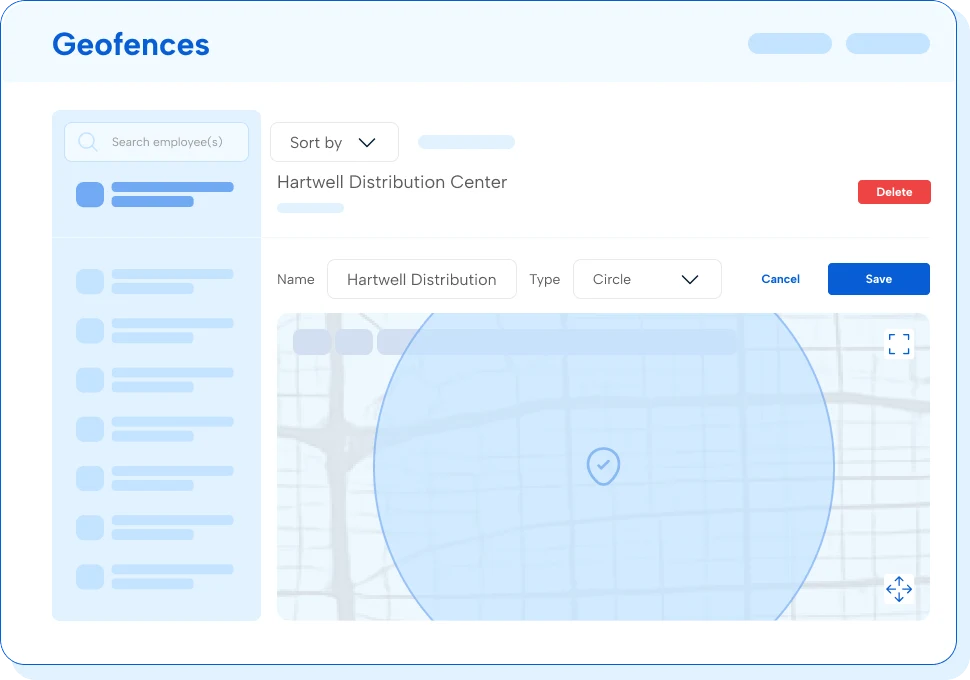
With multiple time collection devices to choose from and comprehensive time tracking, TCP makes it easy to capture location-verified time wherever work happens, separate travel from on-site work, and flag issues before they reach payroll.
Make sure every hour worked is tracked correctly
Correctly pay every hour worked
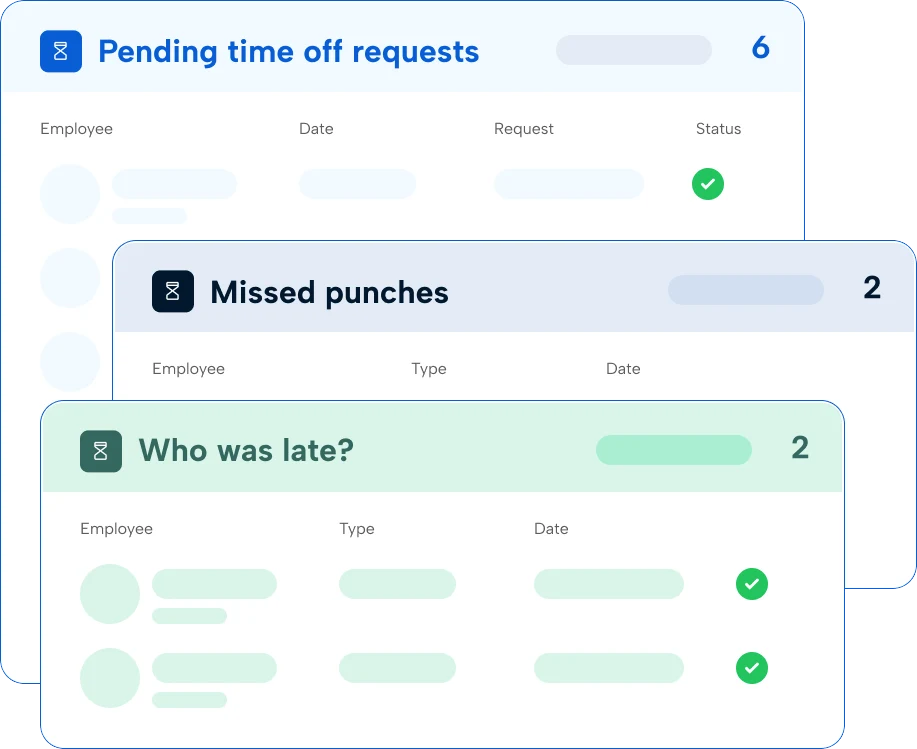
Field and facilities crews work across multiple sites, clients, and pay conditions in a single period. Collect accurate time, apply the right pay rules automatically, and send clean data to your payroll system from TimeClock Plus so every employee gets paid right.
What is scheduling and time tracking software for field and facility services?
Employee scheduling and time and attendance solutions help field and facility services teams manage employees across routes, job sites, and service areas. It replaces manual processes or outdated software with a dynamic way to build schedules, manage coverage, record hours worked, and track labor costs. Employees can see their assignments, request changes when needed, and clock in from their phone, while supervisors get real-time workforce visibility and accurate records for payroll and compliance.
How does scheduling and time tracking software help protect contract margins?
By tracking time by job, route, and location, managers can see where labor costs are increasing and make adjustments before overtime and travel time impact profitability. It also helps reduce payroll errors and gives teams a clearer view of labor costs across every site and service.
How does software help with planning coverage, last-minute changes, and service delivery?
Field operations rarely go as planned. Callouts, vehicle breakdowns, and route changes can leave jobs uncovered with little warning. TCP gives managers real-time visibility into who’s available, where they are, and whether they hold the right credentials for the job, so gaps get filled fast without manual back-and-forth. Crews get updates on their phone when assignments change and managers can see coverage across every site without making a single phone call.
Can TCP help ensure only qualified crews are assigned to specific jobs or sites?
Yes, TCP helps managers track certifications, licenses, and site requirements so crews can be assigned based on qualifications. This helps reduce compliance risk and prevents unqualified workers from being scheduled for regulated work or restricted locations.
How does TCP help control overtime on fixed-fee contracts?
On fixed-fee contracts, overtime doesn’t get billed back to the client — it comes straight out of your margin. TCP gives managers visibility into accumulated hours and labor costs as schedules are built, so overtime risk is flagged before it becomes a problem.
Real-time alerts notify managers when a technician is approaching overtime thresholds, and labor cost views let supervisors compare scheduled versus actual hours across routes and sites. The result is fewer end-of-period surprises and better control over the labor costs.
Can I connect your solutions to my other systems?
Yes, with hundreds of available integrations, your schedules and time data can flow directly into payroll and HR systems so you avoid double data entry and reduce errors.
Do you support multiple locations and teams?
Yes, TCP supports multi-location operations so you can manage schedules, track time, and monitor labor costs across routes, facilities, and service areas. Leaders gain visibility across the business while local managers stay in control of day-to-day scheduling and workforce management.
What does it take to get up and running with TCP?
Getting started is simple. Some teams import their employee list, set up positions and shifts, and build their first schedule in just a few hours. The timeline really depends on how complex your rules and processes are. From straightforward workflows to complicated rules, our team is ready to help whether you need quick answers or prefer full white-glove setup and onboarding.
Featured resources
Explore all resources