Solutions for multi-location businesses
Employee time tracking and scheduling software for multi-location businesses
Every new location adds shifts, pay rules, and labor laws to manage, and processes that worked before start to break. TCP gives growing businesses one place to schedule staff, capture time, and control labor costs across every site, with the flexibility each location needs to run its own way now and in the future.
One consistent way to manage labor, wherever your teams work
Spreadsheets and basic apps work for one site, but heavyweight HCM suites can be more than a growing business needs. TCP fills the gap with scheduling and time tracking that handle multi-site complexity without a long, costly rollout.
See every location at a glance
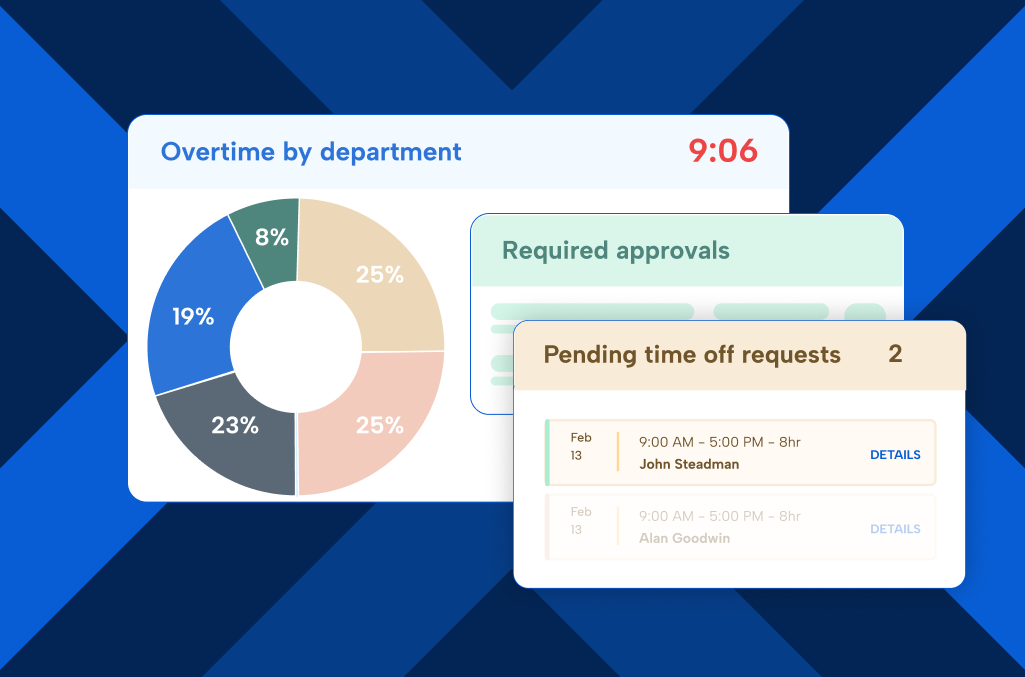
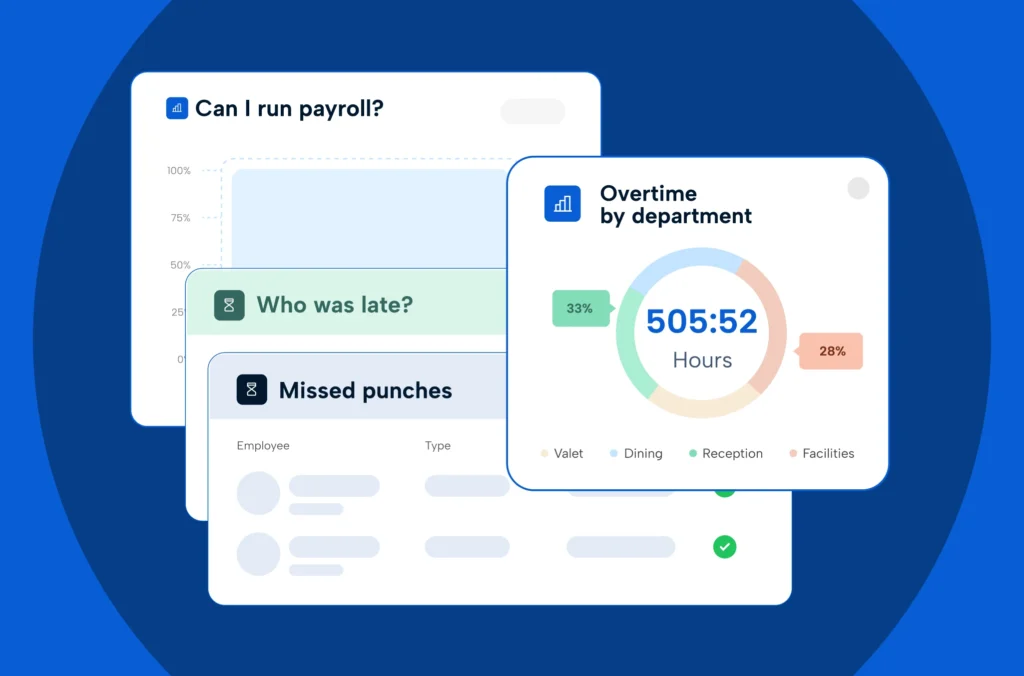
View schedules, hours, and labor costs across sites in real time, without calling each manager.
Apply rules the right way
Set pay rules and policies once, then apply local labor laws and overtime rules by location.
Grow without starting over
Add locations, departments, and employees as you grow, with software that scales with you.
Right-size staffing at every location
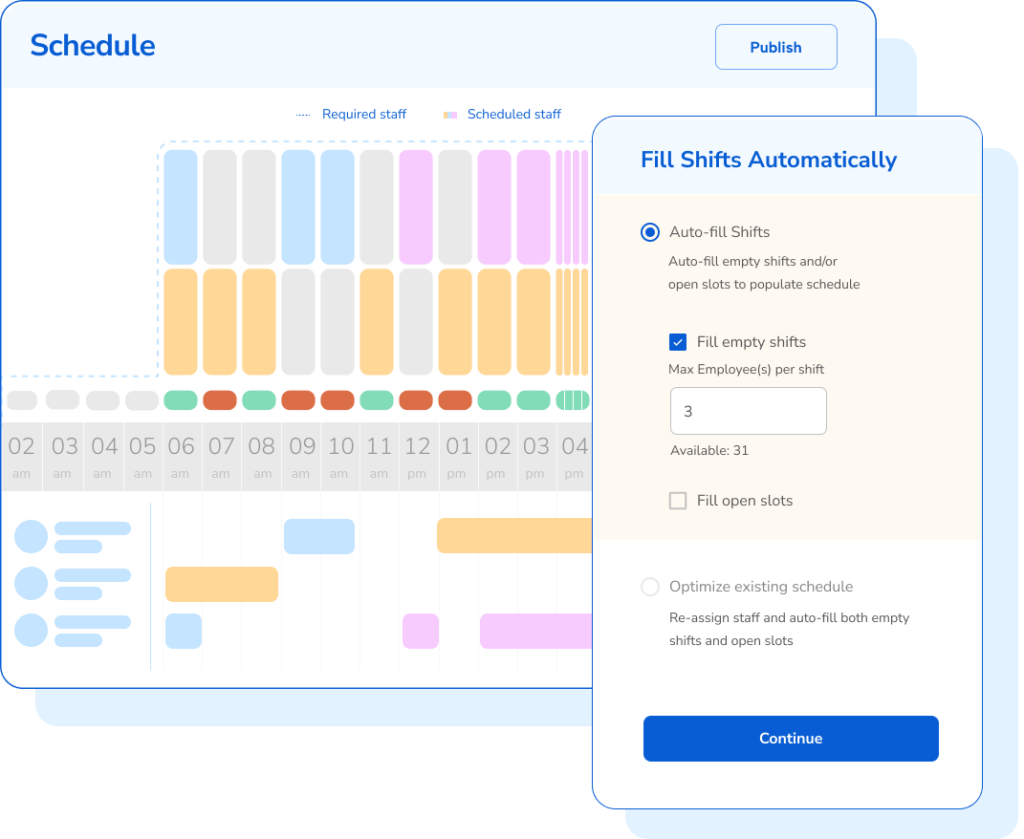
Building schedules location by location leads to overstaffing at one site and open shifts at another. TCP helps managers build schedules that match demand and fill open shifts faster.
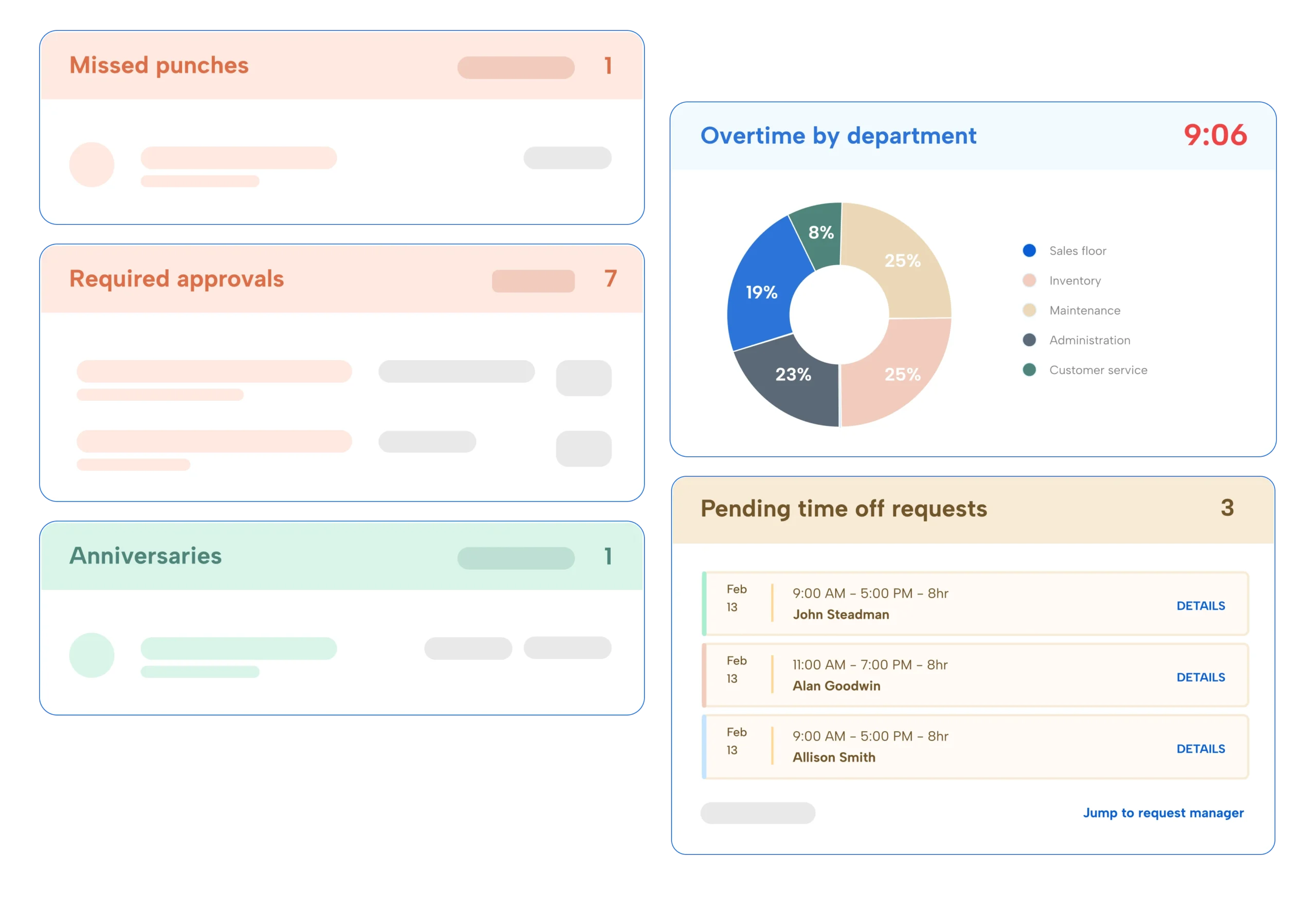
Accurate time and pay across every site
Different clocks, pay rules, and overtime policies at each location means more moving pieces and (probably) more payroll corrections. TCP captures time accurately and applies the right rules automatically, so your time data is payroll-ready from the get go.
Find out the value of better workforce operations
Keep up with labor laws in every state and city
Labor laws change from state to state and city to city. Built-in compliance guardrails help managers apply the right rules at each location and reduce risk across the business.
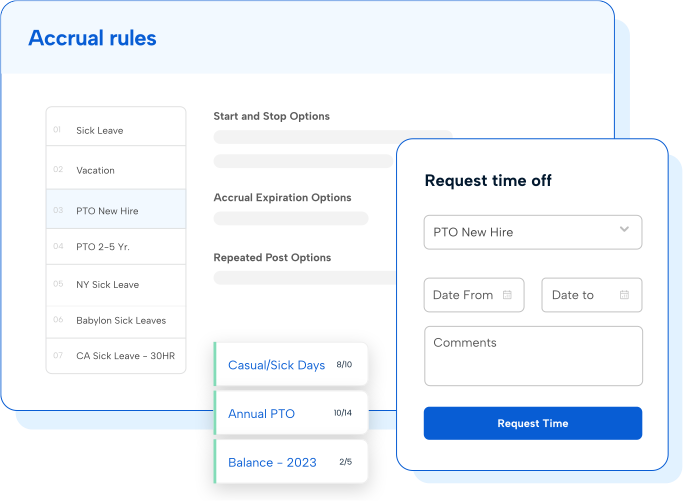

Connect to the payroll and HR software you use every day
Pre-built integrations and open API access connect TCP to your payroll, HCM, and ERP software. Scheduling, time, and payroll data stay in sync, which means less double entry and fewer mismatched records.
Solutions for multi-location businesses in every industry
Questions and answers
Frequently asked questions
Still have questions? Contact our team for more information.
What is multi-location employee scheduling software?
Multi-location employee scheduling software lets you build, publish, and manage schedules for every site in one place. Managers schedule their own teams while regional and corporate leaders see coverage, hours, and labor costs across all locations. Humanity Schedule also lets you set rules by location, so each site follows its own staffing needs and local labor laws.
How does TCP handle different labor laws at each location?
TCP lets you configure pay rules, overtime calculations, meal and rest break requirements, and scheduling restrictions by location. TimeClock Plus applies the right rules to each punch and timecard, and both products flag potential violations, like overtime or minor work hour limits, so managers can act before payroll closes.
Can each location keep its own schedules and processes?
Yes, TCP keeps company-wide policies and data consistent while letting each location schedule its own way. Local managers control their schedules, time off approvals, and shift swaps, and leadership gets one view of labor across the business.
Does TCP work with existing payroll and HR software?
Yes, TCP offers pre-built integrations with payroll, HCM, and ERP providers, including ADP, plus open API access. Time and schedule data flow to payroll, which means less double entry and fewer corrections each pay period.
What size businesses is TCP built for?
TCP works best for businesses with frontline or hourly teams with over 200 employees. Many customers come to TCP after outgrowing basic scheduling apps or after finding all-in-one HCM suites either too complex or insufficient for their frontline time and scheduling needs.
Should scheduling and time tracking software work together?
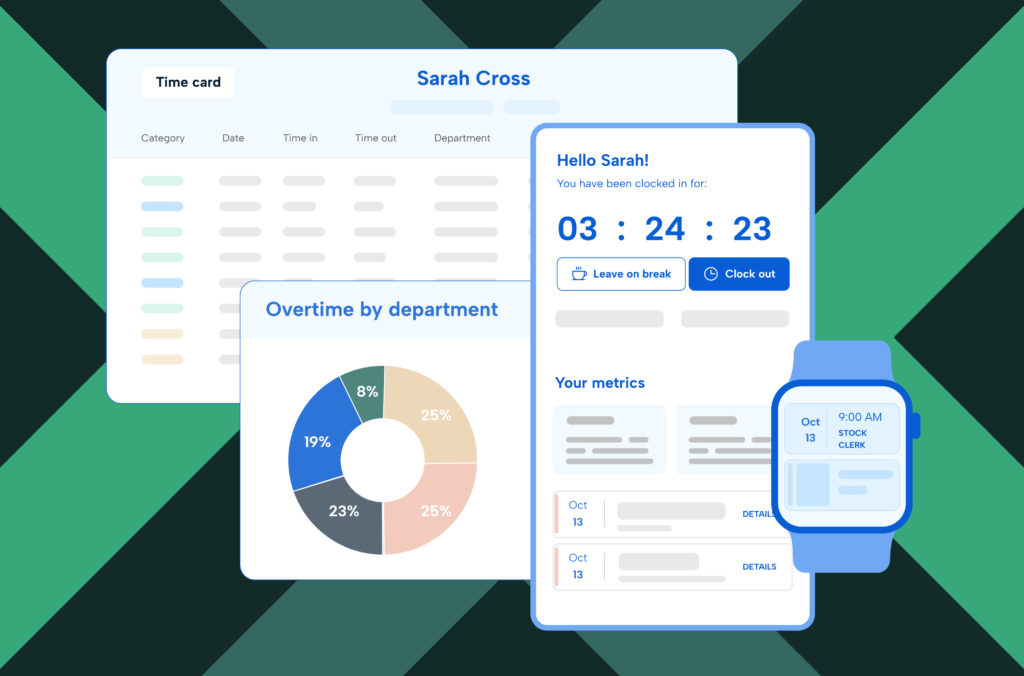
They don’t have to, but using them together helps you do more with your data. When Humanity Schedule and TimeClock Plus share data, managers compare scheduled hours to actual hours, have more control over labor spend, and send cleaner time data to payroll. Many businesses start with one product and add the other as they grow.
Featured resources
Explore all resources