Solutions for professional services
Time tracking software and credential-based scheduling for professional services teams
Your revenue lives in billable hours. But between client codes, fixed-fee projects, and daily context-switching for your team, billable time is easy to miss. TCP brings together resource allocation, time collection, and labor cost control so every consultant hour is captured, assigned, and ready to invoice.
Did you know?
The gap between average and top-performing firms is billable utilization
The average professional services firm runs at 68.9% billable utilization. Firms in the 80–90% range grow revenue at 8.9%, nearly 30x faster than those below 50%. That gap isn’t idle capacity. It’s hours lost to admin work and misallocated time that never reaches an invoice.
revenue growth for firms with 80-90% billable utilization
Want to learn more about workforce management for professional services?
Our guide breaks down the strategies to improve workforce management across professional services, including employee scheduling, time tracking, payroll, and labor cost control.

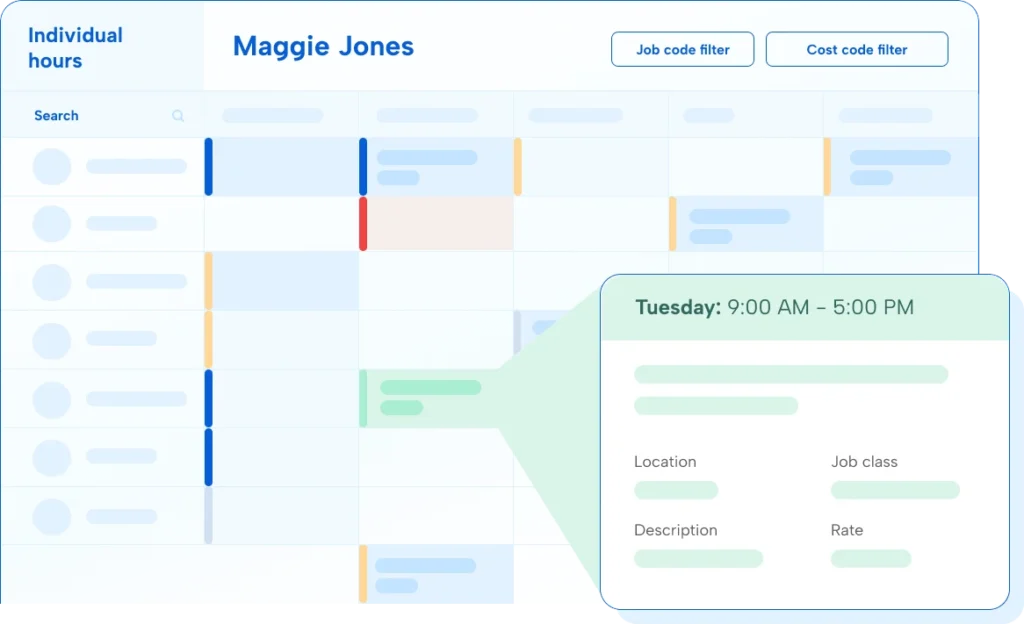
Every billable hour, logged to the right client
When consultants move between three client engagements before lunch, the hours don’t track themselves. A project code missed at 9am becomes a billing gap by the end of the week…one that requires non-billable admin time to fix.
Protect margins on fixed-fee contracts
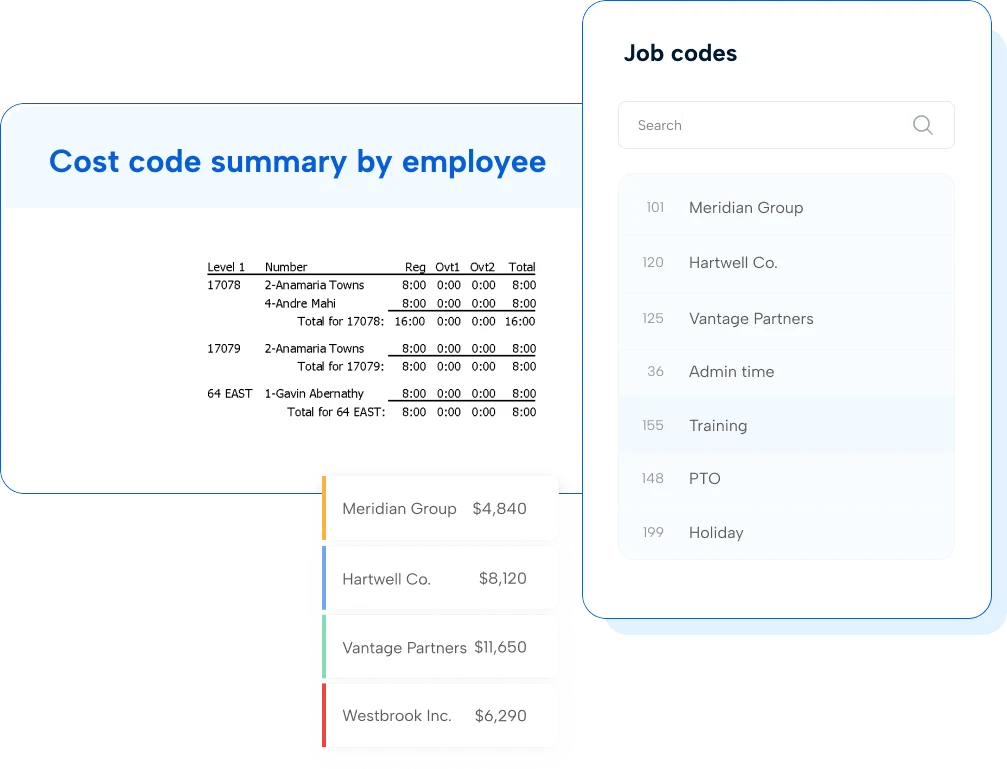
Fixed-fee projects don’t forgive overtime. By the time extra hours show up on reports, the money’s already spent. TimeClock Plus gives you real-time visibility into labor costs by engagement to help you keep contracts profitable and protect your bottom line.
Stop losing your revenue to missed billable hours
The best consultant for every engagement
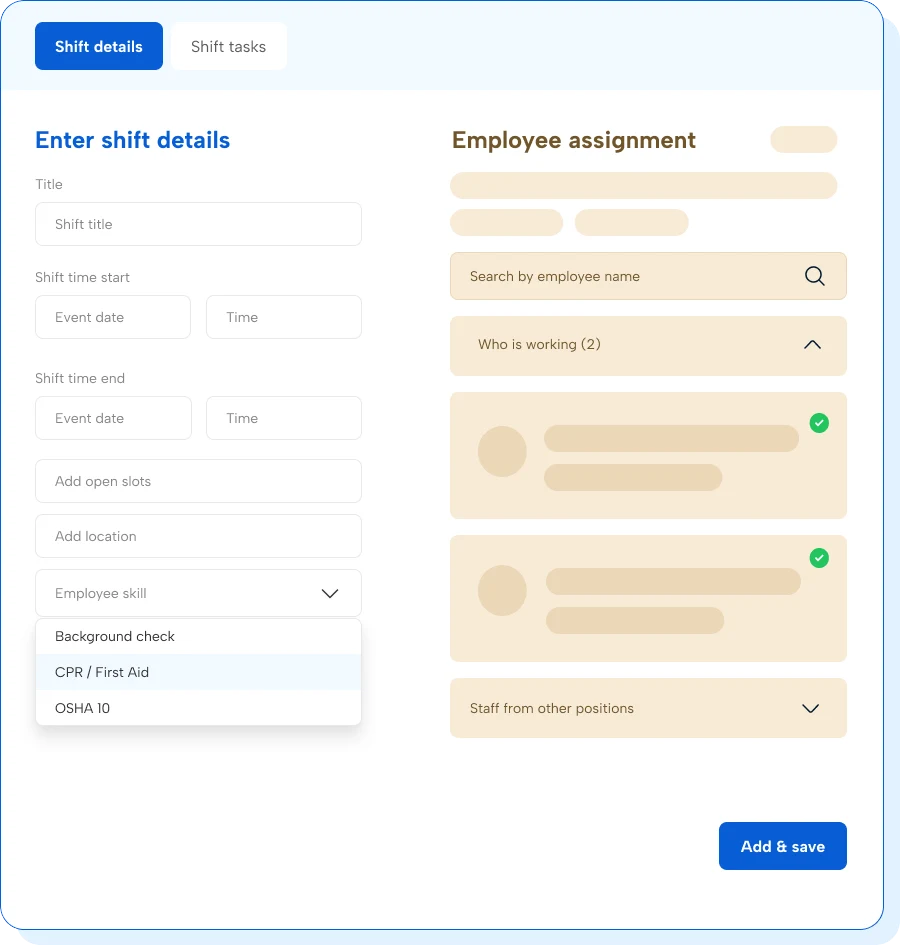
Assigning the right person to a project isn’t just a staffing call, it’s a revenue decision. Scheduling guardrails prevent overallocation, ensure the right expertise, and protect your business from poor-fit assignments that put client relationships at risk.
How does TCP handle time entry across multiple client and billing codes?
Consultants can quickly switch between client or project job codes at clock in/out from a web browser, mobile app, or physical clock. Each entry is logged with a timestamp and any matching cost codes in real time, instead of being reconstructed at week’s end. Managers see a live view of where hours are going across the team without waiting for a submission cycle.
Can TCP solutions connect time data directly to our billing or project management systems?
Our software integrates with 300+ payroll, ERP, and HCM systems through pre-built connections and open APIs. Hours logged by client job or cost code can map directly to your invoicing workflow, reducing the manual reconciliation step between time tracked and invoice sent.
We already have a time tracking solution. What’s different about TimeClock Plus?
Most time tracking solutions capture hours without context. An hour without a code is an hour you can’t bill or monitor productivity with. TimeClock Plus connects the hours consultants’ log to project budgets, unbillable time, labor cost allocation, and flags any missing entries so you can track profitability by engagement before the invoice goes out.
How does TCP handle consultants with credentials or clearances who work across practice areas?
TCP supports credential and certification tracking so consultants can be assigned to engagements based on qualifications, not just availability. You can also see scheduled versus actual hours by consultant across practice areas, helping managers quickly replace overallocated consultants with qualified replacements.
Does TimeClock Plus work for companies with both salaried and hourly billing structures?
Yes, TimeClock Plus handles both employment types within the same system, including mixed-rate scenarios where a consultant bills at different rates across client codes or projects. Hours tagged to codes allow TimeClock Plus to apply the correct rate for each engagement automatically, so billing accuracy holds regardless of how your company structures compensation or invoicing.
Featured resources
Explore all resources