Solutions for staffing services
Employee scheduling and time tracking software for staffing services teams
Placing workers earns the client contract. Accurately capturing, validating, and billing employee time is what protects it. Fill client demand fast and turn every hour worked into revenue with TCP’s employee scheduling and time tracking solutions for staffing services.
Did you know?
Every unverified hour is revenue you can't get back
In staffing, labor is the product. Workers are paid hourly, clients are billed hourly, and the markup in between is the only margin you have. When hours go unverified or can’t be tied to a client, that margin disappears fast.
gross margin on a typical staffing placement based on industry standards
Want to learn more about workforce management for staffing services?
Our guide breaks down the strategies to improve workforce management across business services, including employee scheduling, time tracking, payroll, and labor cost control.

Fill client requests with confidence
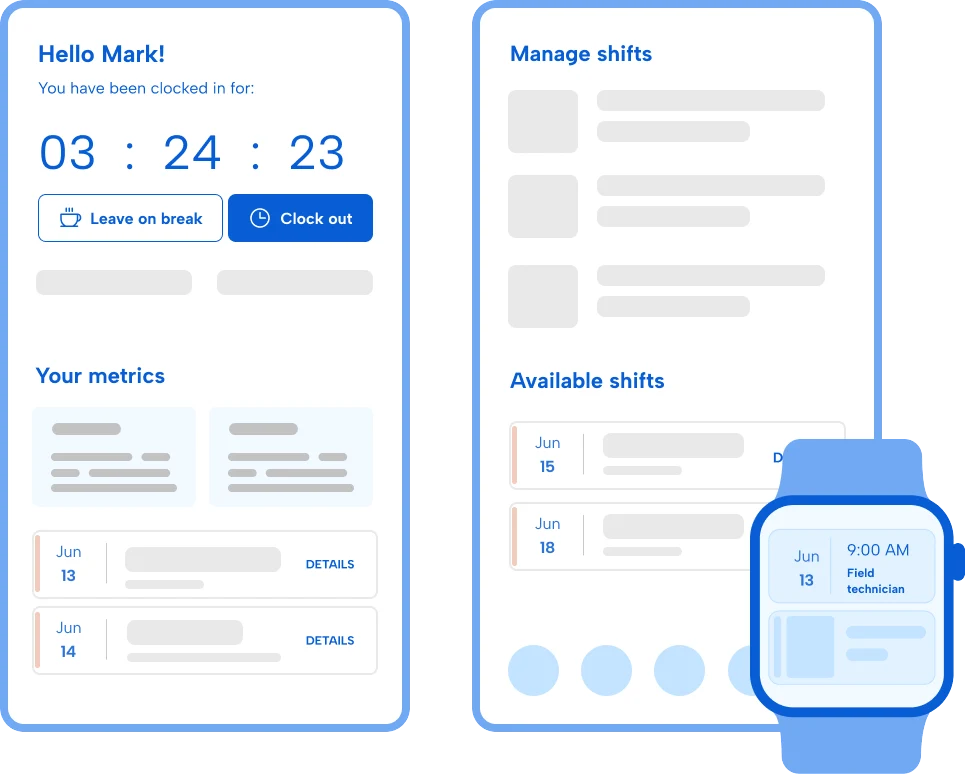
Client requests come in fast and callouts happen every day. Make it easy for coordinators and dispatchers to find qualified, available workers so open roles never stay open for long.
Capture every billable hour
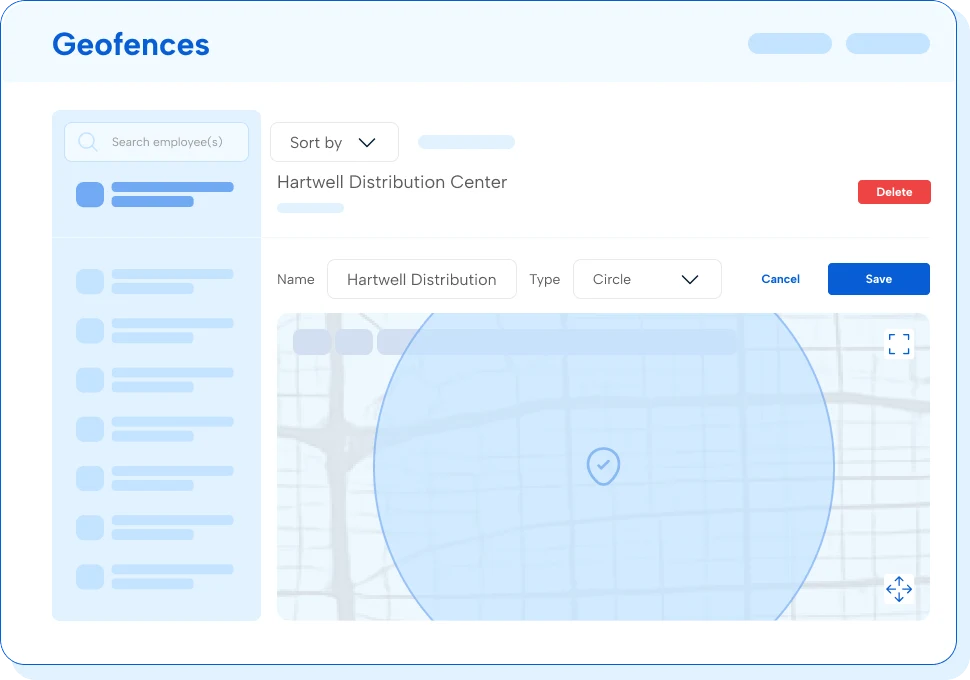
Client sites mean your workers are all over the map. TCP captures location-verified time wherever work happens and ties each hour to the correct client and assignment, so no billable hour goes unrecorded.
Don’t lose revenue to unverified hours and unfilled placements
Precise time tracking for accurate payroll
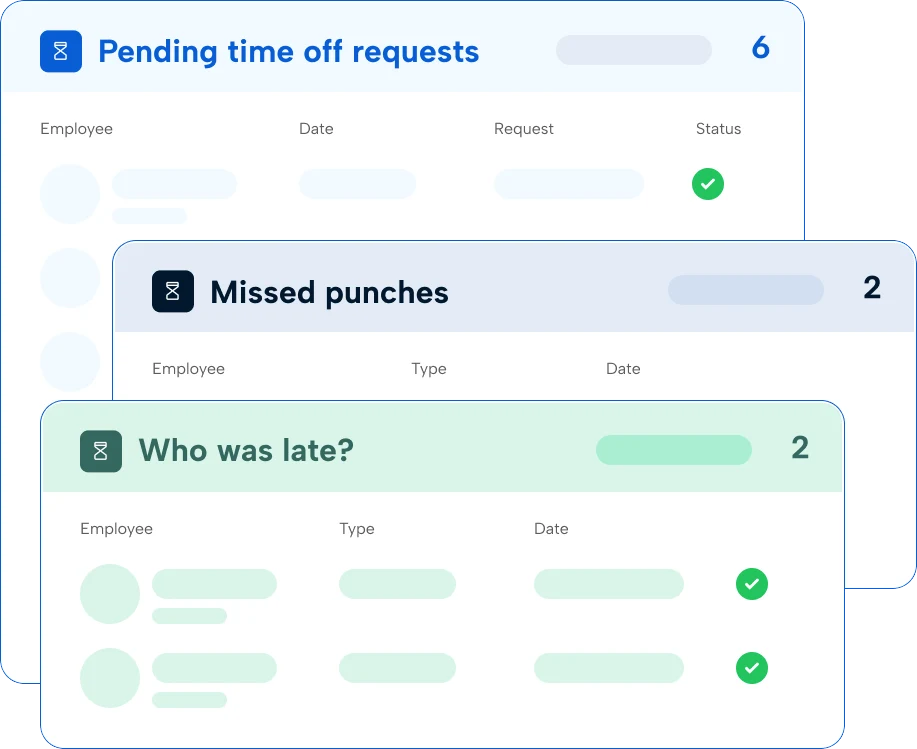
Multiple pay rates, three different clients, and a mix of shift differentials in one pay period, oh my! TimeClock Plus automatically applies your pay rules and policies across your workforce, so payroll runs clean and invoices go out fast.
How does TCP help staffing agencies fill open shifts faster?
With Humanity Schedule, our employee scheduling solution, managers can backfill posts quickly and notify available, qualified workers in real time. The system uses AI to score and filter replacement staff by credentials, availability, labor cost, and proximity then automates outreach to find the best-fit employee for the position. The result is faster placement, fewer back-and-forth phone tress, and less revenue lost to unfilled orders.
Our workers are at client sites that don’t allow agency hardware. Can TCP still track their time?
Yes, the TimeClock Plus mobile clock uses geolocation and geofencing to confirm workers are on site when they clock in. Workers use their own device to punch in/out and you get a verified, timestamped record ready to invoice against. No hardware installation or access to client systems required.
A single worker can have different pay rates across multiple clients in one week. Can TimeClock Plus handle that?
Yes, it’s built to handle even the most complex pay rates, rules, and calculations. Client-specific rate cards are configured at the account level, so the correct pay rate and billing markup are applied automatically based on where a worker is assigned.
How does TimeClock Plus help reduce billing disputes with clients?
Every punch includes a verified timestamp and location confirmation, giving agencies a defensible record of when and where each worker was on site. That data ties directly to the invoice so clients can see exactly what they’re being billed for, which reduces disputes and speeds up payment.
Can TCP track certifications and prevent unqualified workers from being assigned to certain clients?
Yes. Our dynamic employee scheduling software tracks active certifications and state licenses and embeds credential checks directly into scheduling. These built-in guardrails prevent unqualified workers from being assigned when specific credentials are required, reducing compliance risk and legal exposure.
What does it take to get up and running?
Most agencies can import their worker list, configure positions and pay rules, and build their first schedule in a matter of hours. The timeline depends on how complex your client rules and pay structures are. TCP’s team is ready to support you whether you need quick answers or a full white-glove onboarding.
Featured resources
Explore all resources