

Tracking employee leave shouldn’t require an investigation.
But in a lot of organizations, it does. An employee asks how many vacation days they have left, and a manager ends up digging through spreadsheets, scrolling old emails, or waiting on HR to confirm a number nobody’s sure is current. Usually the process is the problem, not the people; the system was never built to answer a simple question quickly.
When leave tracking breaks down, the effects show up everywhere: requests get missed, schedules overlap, HR fields the same questions on repeat, and payroll works from numbers that are already out of date.
If that sounds like your week, more discipline from your team won’t fix it. A better system for tracking leave will.
Do you really need a system to track employee leave?
A system for tracking leave works like insurance for your organization. It protects you against staffing gaps, payroll issues, compliance risk, coverage gaps, and labor law violations.
But leave tracking effectively is about managing both proactive strategy and reactive protection. Accurate records, for example, keep your managers ahead of shift planning and your HR team up-to-date on medical or family leave policies. And when multiple employees request time off during peak periods, a solid system can prevent coverage issues before they arise.
Most importantly, leave management directly connects to your employee experience. When employees know your policies are implemented fairly and consistently, it improves trust and confidence across your workforce.
What a leave tracker needs to accomplish
Whatever solution you choose, it needs to handle four things well:
- Capture requests – Employees can submit time off in minutes, not through email or a hallway conversation
- Route approvals – Managers see requests immediately and can approve or deny with visibility into who else is out
- Track balances accurately – Accrued, used, and remaining leave stay correct without manual math
- Show who’s out – Anyone checking a schedule can see coverage at a glance
If your process can’t do all four, it’s a leave tracking workaround instead of a full solution.
Challenges of manual tracking methods
Manual tracking systems are technically simpler, but they create more problems than they solve.
When you rely on online timesheets, spreadsheets, shared calendars, or email threads, you open the door to missed requests, conflicting schedules, and outdated information:
- Teams lose time searching for data or verifying balances, and grow frustrated when they don’t know how much time they have left.
- Managers struggle to coordinate schedules across departments and understand the full picture.
- Payroll teams may be working with incomplete or outdated data, leading to errors and delays.
- HR staff are forced to act as go-betweens, spending valuable time tracking down approvals and clarifying records instead of focusing on more strategic initiatives.
Add in remote or hybrid teams, with records scattered across various databases? Manual methods are nearly impossible to manage and rely on. Digital solutions streamline the leave management process, giving teams more visibility and control.
How to keep track of employee leave and manage the process
You can manage employee leave requests by setting clear expectations and using tools that make the process consistent for everyone, to start.
You should establish leave policies that define:
- The types of leave management covered
- How leave accrues
- How employees should submit requests
- How managers will respond
- When to expect a response
Once your policies are in place, support them with a system that simplifies leave tracking without sacrificing the capabilities you need. A free vacation tracker — for example — may work for basic needs, but a scalable leave management system offers more automation and better visibility.
Having a tool that can differentiate paid time off from unpaid leave is especially important for compliance and payroll accuracy.
How do I keep track of my employee vacation days?
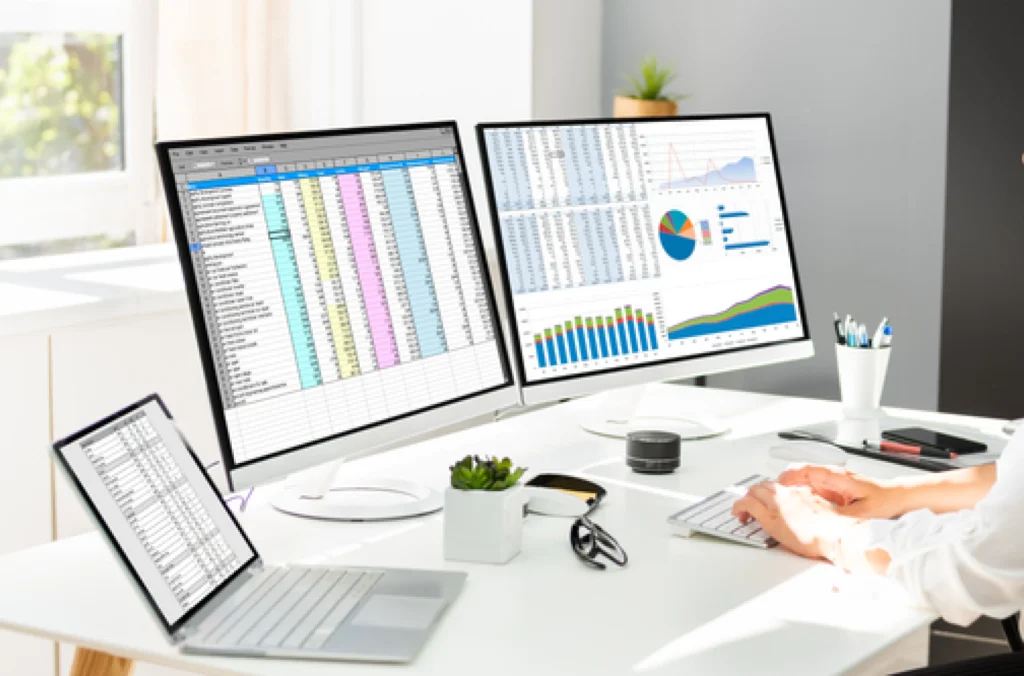
To track vacation days effectively, you need more than a spreadsheet. While an employee time off tracker Excel file can help small teams, it often requires manual updates and offers limited visibility.
A system for time off tracking shows requests, approvals, and remaining balances in real time. Employees can directly submit requests, and managers can approve or decline them from anywhere.
Connecting leave tracking to your HR or payroll system removes duplicate data entry and keeps accruals and balances accurate automatically. TimeClock Plus leave management, for example, connects with 50-plus payroll and HRIS systems, so leave data flows into payroll without a manual handoff. A dashboard view of requests, balances, and coverage gives managers and HR the same real-time picture, so both sides can plan time off with confidence.
Questions to ask when creating your leave tracker
| What types of leave will we monitor? | Vacation, sick leave, parental leave, personal days, and/or unpaid time |
| Who will manage the tracker? | Leadership, manager, or pick a process champion |
| How often will we update the tracker? | Daily, weekly, or bi-weekly |
| Do we use a template or software? | Determine your immediate needs and assess your risk tolerance for leave management slip-ups to determine which is best |
| How much time do we want to spend maintaining this? | This will help assess the number of stakeholders involved, as well as the medium you choose (spreadsheet or software) |
How to track leaves of absence
Unlike standard PTO, a leave of absence often involves legal obligations, extended timelines, and specific documentation. Whether it’s FMLA, parental leave, or personal medical leave, you need to keep detailed, secure records and maintain consistent policy enforcement.
When you use a leave management solution, you can:
- Track start and end dates for leave automatically
- Store relevant documents securely and accessibly
- Flag conflicts with labor compliance or internal policy
- Plan staffing around more extended absences
- Keep HR, payroll, and managers aligned on return-to-work timelines
Getting this wrong carries real cost. Compliance risk tied to leave and labor law violations can run into six or seven figures in liability, and a missed FMLA deadline or inconsistent policy application is often what triggers the claim.
This type of tracking is hard to manage in time tracking spreadsheets. If you have employees on intermittent leave or in states with specific legal requirements, digital leave management systems help keep you compliant without mountains of paperwork.
How to create a leave tracker for your team
To create a leave tracker, you’ll need to answer a few questions about your full leave management approach.
First, determine what types of time off you’ll need to monitor, such as vacation, sick leave, personal days, or unpaid time. Then, decide who will manage the tracker and how often you’ll update it.
You might start with an employee time off tracker template in Excel. These templates allow you to log days off, track balances, and monitor approvals. However, they can quickly become challenging to maintain, especially as your team grows.
A cloud-based solution improves accuracy and saves time. Automatic updates, easy access from anywhere, and secure storage come standard, with no manual maintenance required.
Frequently asked questions
How do I track employee leave without spreadsheets?
Move requests, approvals, and balances into one system that everyone can see. Employees submit time off directly, managers approve from anywhere, and balances update automatically instead of living in a file someone has to remember to open.
What’s the difference between PTO tracking and leave management?
PTO tracking covers vacation and paid time off. Leave management is broader. It includes PTO along with FMLA, parental leave, medical leave, and other legally protected leave types that come with their own documentation and compliance requirements.
How do I track FMLA leave separately from PTO?
FMLA and other protected leave need their own category, with start and end dates, supporting documentation, and eligibility tracking kept apart from standard PTO balances. A leave management solution can flag protected leave automatically so it doesn’t get mixed in with vacation days.
Can I track employee leave for free?
A free spreadsheet template works for very small teams with simple policies. Once you’re tracking multiple leave types, approval chains, or compliance requirements across more than a handful of employees, the manual upkeep usually costs more time than a dedicated system would.
How much time does a better leave tracking system actually save?
It varies by team size and complexity, but the biggest gains come from cutting the back-and-forth: fewer emails confirming balances, fewer manual payroll corrections, and fewer HR interruptions to answer questions the system should already answer.
Next steps: stop tracking leave manually
When you have clear policies, consistent processes, and the right solution in place, checking a leave balance goes back to being a five-minute task instead of a week-long scavenger hunt.
Efficient leave tracking improves team coordination, keeps your organization compliant, and gives employees a transparent experience they can rely on. Whether you start with a simple employee leave template or invest in full-scale leave management systems, getting away from manual tracking will help you work smarter and plan leave accordingly.
TCP Software’s employee scheduling and time and attendance solutions have the flexibility and scalability to suit your business and your employees, now and as you grow.
From TimeClock Plus, which automates even the most complex payroll calculations and leave management requests, to Humanity Schedule for dynamic employee scheduling that saves you time and money, we have everything you need to meet your organization’s needs, no matter how unique. Plus, with Aladtec, we offer 24/7 public safety scheduling solutions for your hometown heroes.
Ready to learn how TCP Software takes the pain out of employee scheduling and time tracking? Speak with an expert today.
What to read next
Explore all resources




 Link copied!


