
Humanity Schedule Capabilities
Labor cost management that keeps every schedule on budget
Unpredictable employee schedules quietly drain your budget. Humanity Schedule helps you track spending in real-time, stay within budget, and get the insights and reports you need to grow your business.

Manage labor costs the moment schedules change
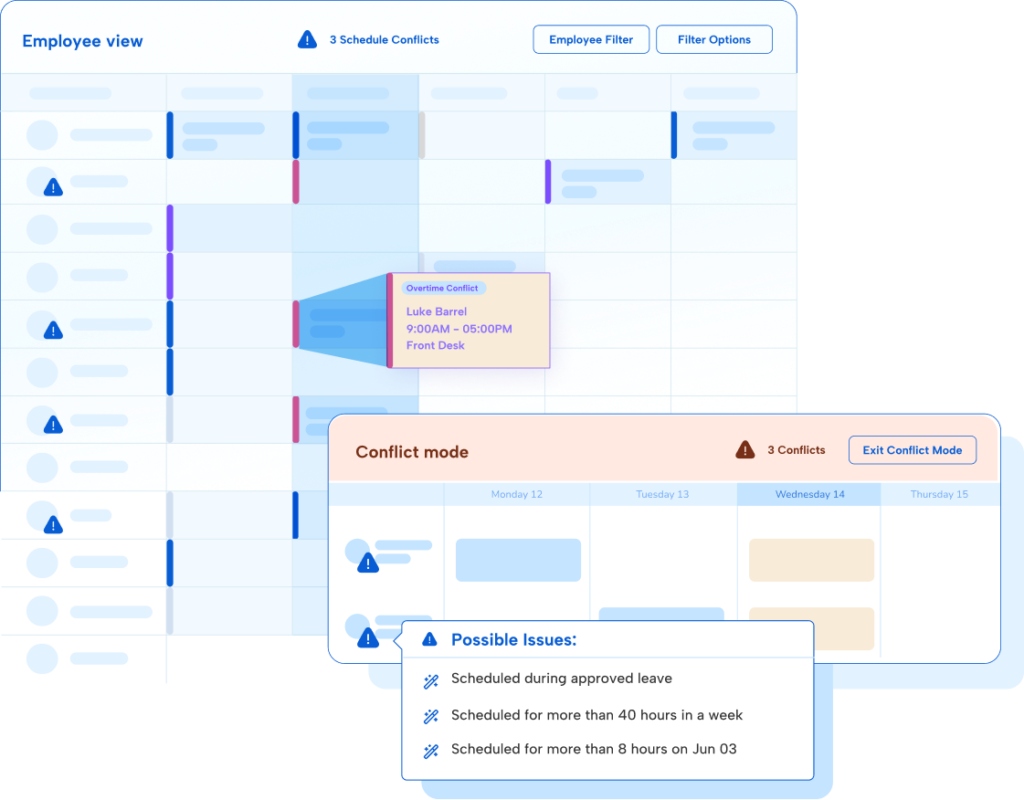
The hours employees actually work don’t always match what’s on the schedule. Humanity Schedule’s Labor Optimizer combines actual clocked hours with upcoming scheduled shifts to project weekly hours and labor costs, helping managers spot potential overtime and make adjustments before costs add up.
Understand the full financial impact of every shift
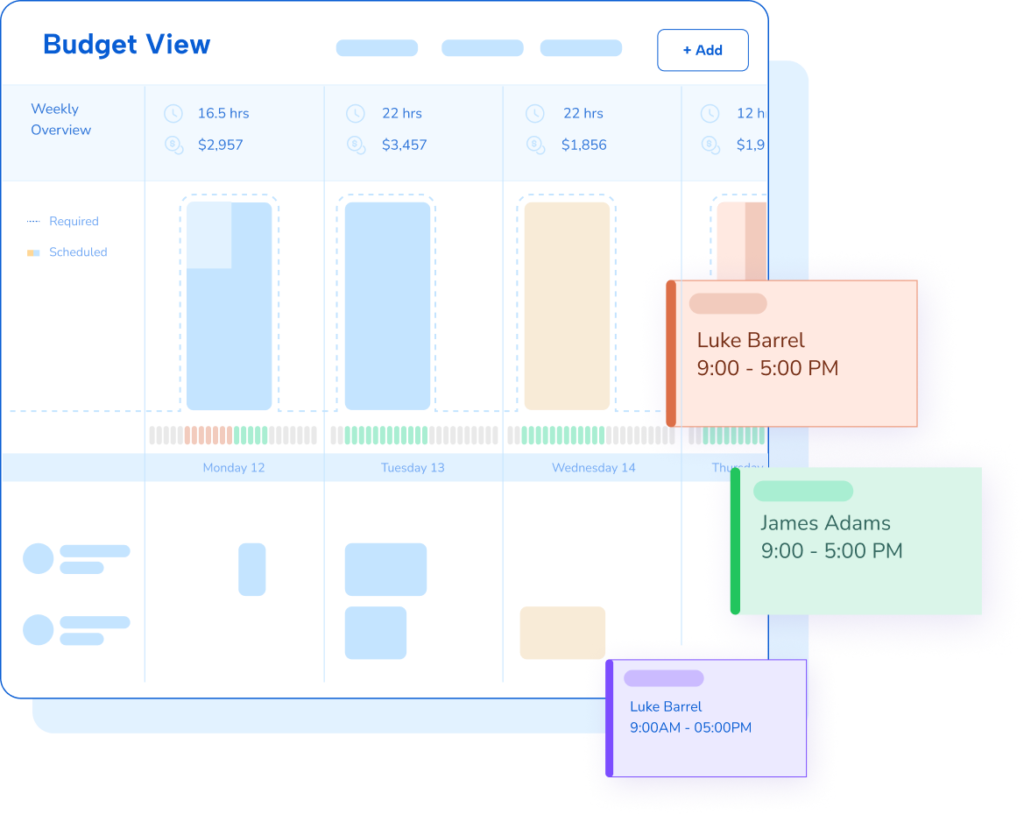
Every schedule comes with built-in cost analysis. The budget view in Humanity Schedule shows the daily and weekly cost of scheduled shifts against the budget you set, so you can trim or rebalance before costs get away from you.
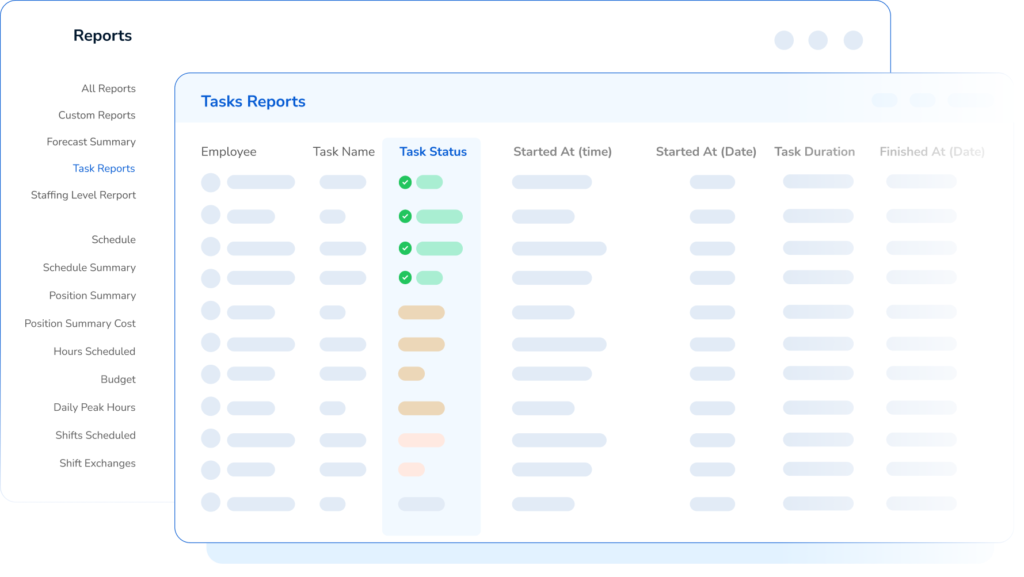
Build labor costs and budget reports in a few clicks
Pull detailed reports across timeframes, locations, skills, and positions to see exactly what’s driving your labor costs:
Featured resources
Explore all resources